01 Desktop
WASD / Arrow keysMove the fighter
MouseAim
Left mouse buttonShoot
 BVNPlay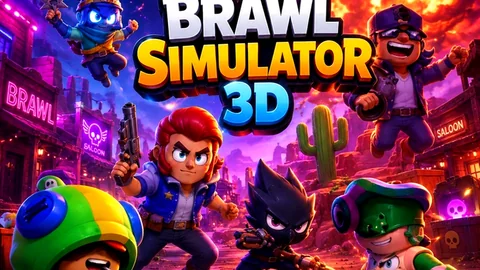
Games BVN Players Also LikeA top-down 3D arena battler with manual aiming, short fights, unlocks, and multiple modes.
Desktop and touch layouts use the same split between movement and aiming.
WASD / Arrow keysMove the fighter
MouseAim
Left mouse buttonShoot
Left virtual stickMove
Right virtual stickAim and release to shoot
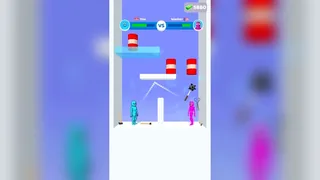
Brawl Simulator 3D places a selected fighter in real-time overhead battles. Movement and aiming are controlled separately, while wins and combat progress feed a reward loop built around boxes, drops, skins, and additional fighters.
The overhead camera makes threats readable at a glance, but success still depends on keeping distance, leading shots, and choosing when to push into the center.
Select a fighter, enter an overhead battle, dodge incoming fire, land attacks, then spend earned rewards on the next unlock.
Complete the selected mode’s combat goal; the exact win condition changes with the mode chosen from the menu.
A round moves from fighter and mode selection into a live arena, then returns to reward and roster menus after the result.
Yes. The mobile layout uses a left stick for movement and a right stick for aiming and firing.
No. The game offers multiple modes, so the active objective should be checked in the selected mode before the battle starts.