01 Movement
WASDMove
SpaceJump
ShiftCrouch or slide during movement
 BVNPlay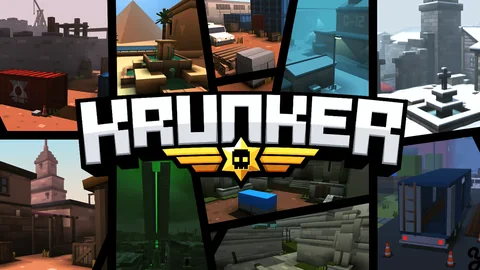
Games BVN Players Also LikeA fast browser FPS built around distinct classes, compact maps, responsive aiming, and movement timing.
These bindings come from Krunker’s own controls guide.
WASDMove
SpaceJump
ShiftCrouch or slide during movement
Left mouse buttonFire
Right mouse buttonAim down sights
RReload
QSelect melee
ESelect secondary weapon
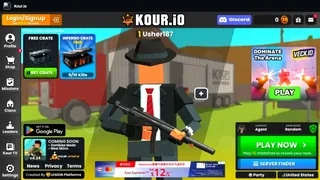
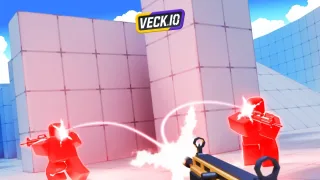
Krunker.io is a browser first-person shooter with weapon-defined classes and several multiplayer playlists. Its basic flow is immediate: pick a class, enter a lobby, learn the map lanes, and turn movement plus accurate fire into the score required by that mode.
The low barrier to starting a match hides a demanding mechanical ceiling. Switching from running to crouched movement, managing reloads, and matching the class to the sightline all change the outcome of a duel.
Select a class, spawn, traverse short routes, take aim-driven fights, reload or swap weapons, and respawn after an elimination.
Reach the scoring target defined by the active playlist; free-for-all and team modes evaluate players differently.
Class selection leads into a continuous lobby match, followed by the scoreboard and another class, map, or queue choice.
Yes. Classes pair the player with different primary weapons, so range, fire rate, and preferred map position change.
Use WASD to move, Space to jump, and Shift to crouch; combining those inputs produces the game’s faster movement patterns.