Bleach vs Naruto Controls: Keyboard Setup for BVN
BVN is easiest to enjoy when the keyboard focus is correct and both players know the compact control layout before the round starts.
The core 1P layout
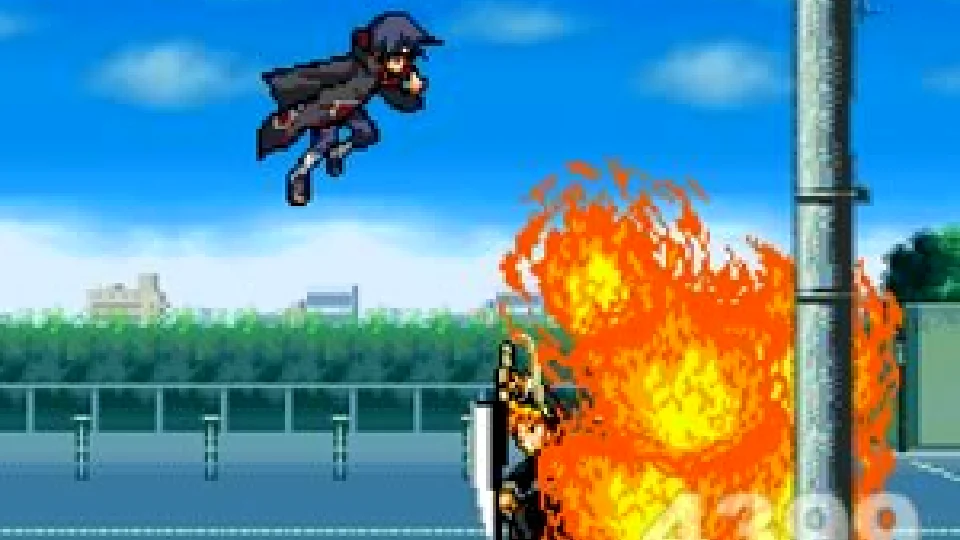
Player 1 uses WASD for movement. The common attack cluster uses J for attack and confirm, K for jump, L for dash, U for ranged attack, I for special attack, and O for support.
After loading the game, click inside the player once. This gives the iframe keyboard focus so movement and attacks go to the game instead of the browser page.
The common 2P layout
Player 2 usually uses the arrow keys for movement and number keys for attacks. Older versions can vary slightly, so use the quick controls card on each version page before starting a match.
Two-player BVN is best on a desktop keyboard. Mobile browsers can open the game, but touch controls are not the intended way to play these Flash-era builds.
Special actions and loading tips
Fighter-specific actions can include support calls, counters, throws, specials, and transformations. The exact inputs vary by fighter and version, so use the in-game How to Play screen or training mode before assuming one combo works everywhere.
Later 3.x main files are much larger than most 2.x files. If the frame appears stuck, let the loading progress finish, then click the game again before using the keyboard.